Every few months a client asks us the same question: should the website sit on a server in Egypt, or on a server in Frankfurt, Amsterdam or Virginia? The question is usually framed as a patriotic or a budget decision. It is neither. It is a network engineering decision with three inputs: where your visitors are, what each page request has to do before it can respond, and who picks up the phone when something breaks at 11 pm on a Thursday.
This guide gives you the framework we use on hosting engagements and page speed projects, including a measurement method you can run yourself from Cairo and Hurghada before you sign anything. We do not publish latency numbers in this article, because a number measured on one provider, on one ISP, on one evening is not evidence for your business. The method is what transfers.
Where the time actually goes in a page load
When a browser loads a page, the delay before the first byte arrives is not one thing. It is a chain: DNS lookup, TCP connection, TLS handshake, the request itself, the time the server spends building the response, and the first bytes travelling back. Only one link in that chain, the server think time, is about your hosting plan. The others are about distance and routing.
- DNS resolution: one lookup, mostly independent of where the server is, and heavily influenced by which DNS provider you use.
- TCP and TLS setup: several round trips between the visitor and the server before a single byte of your HTML is sent. Every round trip costs the full round-trip time (RTT) of the path. With HTTP/3 and TLS 1.3 the number of round trips falls, but it never reaches zero.
- Server think time: PHP execution, database queries, cache lookups. This is where a cheap shared plan loses to a well-tuned VPS in either country.
- Transfer: HTML, CSS, JavaScript, fonts and images. Bandwidth and congestion matter here, and so does whether a CDN serves these files from a node close to the visitor.
Here is why distance matters even though light is fast. Suppose, purely as an illustration, that the RTT between a visitor and the server is 30 ms in one setup and 90 ms in another. A connection that needs three round trips before the first request costs about 90 ms versus 270 ms. A page that then makes a dozen uncached requests over several connections multiplies that difference. These figures are assumptions to show the arithmetic, not measurements of any provider. The structure of the arithmetic is what you should remember: round trips multiply RTT, and RTT is set by distance plus routing quality.
What “hosted in Egypt” really means
The phrase hides three different situations, and they behave very differently.
A server physically in an Egyptian data center
The hardware sits in a facility in Egypt, usually in Cairo, and is connected to local ISPs. Visitors on Egyptian networks reach it without crossing an international link. This is what most people mean, and it is the only version that gives you a latency advantage for Egyptian visitors.
An Egyptian company reselling capacity abroad
The invoice is in Egyptian pounds, the support team speaks Arabic, the website has an Egyptian phone number, and the server is in a European data center. You get the commercial convenience of local hosting without the network benefit. Ask directly where the machine is. A reputable provider will tell you the facility and the city.
A local reseller of a global cloud region
Some providers manage servers on global cloud infrastructure and add local billing and support. Again, the network position is that of the cloud region, not of Egypt. This can still be a good choice for other reasons, covered below.
The distinction matters because the only way an Egyptian server improves page speed is by shortening the path to an Egyptian visitor. If the machine is abroad, the benefit disappears even though the contract is local.
Start with your visitors, not your provider
Open Google Analytics or Search Console and look at the country and city breakdown of your last six months of traffic. The right hosting decision for a Cairo clinic is not the right decision for a Hurghada dive resort, and neither matches a real estate developer selling to buyers in Germany, Poland and the Gulf. Four patterns cover most of our clients.
- Mostly Egyptian visitors: a local origin gives the shortest path. Mobile networks in Egypt vary by operator and time of day, so the gain is real but should be verified, not assumed.
- Mostly international visitors: hotels, dive centers and property sites in Hurghada fall here. Guests browse from Europe before they travel. A European origin or a CDN with European nodes serves them better than a Cairo server does.
- Mixed audience: the common case. The answer is usually a CDN in front of one well-chosen origin, plus attention to which requests cannot be cached.
- Egyptian staff or integrations behind the site: a booking engine, an ERP or a payment callback endpoint is a different workload from a brochure site. The origin location can matter more than any visitor-facing metric. See the integration section below.
The CDN changes the question
A content delivery network stores copies of your static files, and optionally your cached HTML, on servers close to the visitor. Once a CDN is in place, the origin location only affects requests that the CDN cannot answer from its cache. That narrows the decision considerably.
Static assets, meaning images, fonts, stylesheets and scripts, should almost always come from the edge. On a typical marketing or brochure site, full-page caching at the edge also works for anonymous visitors, and then the visitor never touches your origin. We routinely build WordPress sites this way with page caching, object caching and edge caching working together, and it is one of the reasons we treat server location as a second-order variable on content-led sites.
What a CDN cannot cache well: logged-in sessions, shopping carts, checkout, live availability, search results with personalised ranking, form submissions, and API calls. For these the visitor waits for the origin. That is where location, server quality and database design show up directly in conversion.
A practical way to see the split: take your five most important pages and mark each request as cacheable at the edge or not. If 90 percent of requests on your landing pages are cacheable, origin location barely matters for those pages. If the booking widget makes four uncached calls to build an availability grid, origin location and database speed matter a lot for that widget.
Server quality beats server country
A poorly configured server in Cairo can lose to a well-tuned server abroad for an Egyptian audience, and the reverse is just as possible. Before debating geography, check the things that cost more milliseconds than a few extra hops.
- PHP version and OPcache: a current supported PHP release with OPcache enabled. Old versions are slower and also unsupported for security fixes.
- Storage type: NVMe or SSD, not network-attached spinning disks, for database-heavy sites.
- Database on the same host or the same network segment as the application, never across the internet.
- Object cache such as Redis for WordPress and WooCommerce, so repeated queries are not recomputed on every request.
- Page cache at the server or edge layer for anonymous traffic.
- Noisy neighbours: on oversold shared hosting, your site’s response time depends on what other tenants are doing. This is invisible on a quiet afternoon and obvious during a campaign.
- HTTP/2 or HTTP/3 and TLS 1.3, which cut connection overhead for every visitor.
If a provider cannot tell you these specifications clearly, the country of the data center is the least of your problems.
Support: the part nobody puts in the benchmark
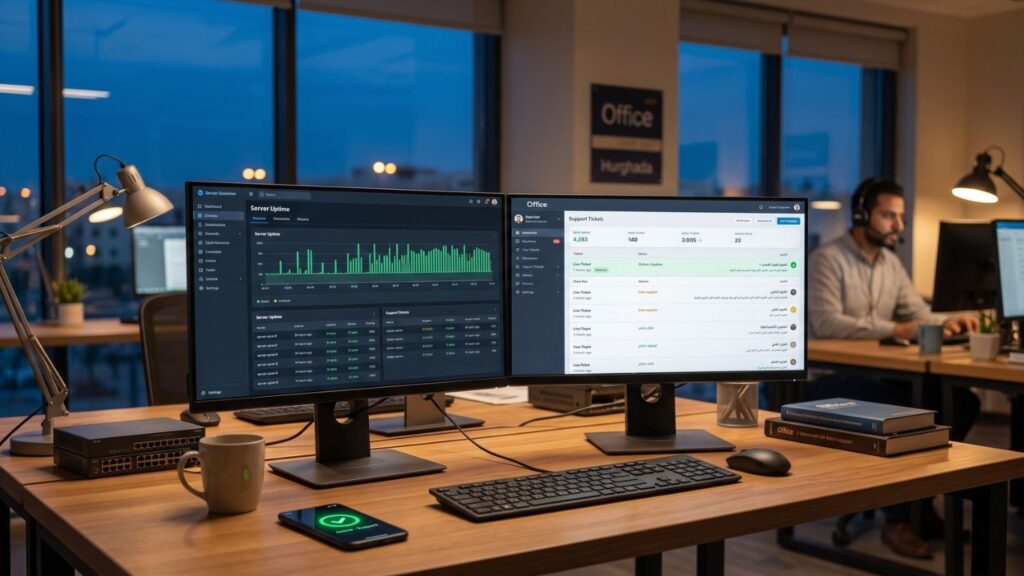
Speed is measurable in a test. Support is measurable only when something breaks, and by then you cannot shop around. Evaluate it before.
What local support tends to give you
- Arabic and English conversation on WhatsApp or phone, in your own time zone, including Friday and Saturday coverage if that matters to your business.
- Invoicing in Egyptian pounds with a tax invoice you can hand to your accountant, and no dependence on a foreign-currency card.
- The ability to meet in person for a serious incident, and a provider that is subject to Egyptian law if there is a dispute.
What international providers tend to give you
- Mature tooling: one-click staging, snapshots, automatic scaling, detailed monitoring and an API for everything.
- Published uptime commitments and public status pages.
- Larger operations teams and more redundancy at the infrastructure level.
Neither list is a guarantee. A small local host can be excellent or can be one person with an overloaded phone. A big international provider can have great infrastructure and a support queue that never reads your ticket carefully. Ask for specifics: response-time targets in writing, what the process is for a hacked site, whether backups are stored off the same server, and who restores them and how fast.
Currency, billing and continuity
Many international hosts price in US dollars or euros. If your revenue is in Egyptian pounds, your hosting cost moves with the exchange rate, and a card payment can fail at renewal if your bank restricts foreign-currency use. A failed renewal on a domain or server is a real outage risk, not an accounting detail. Local providers that bill in pounds remove that class of failure, and for some businesses that reason alone justifies the choice. If you choose an international host, set up a payment method with headroom, calendar the renewal date, and keep the account owner as a company contact rather than one employee.
Data protection and where personal data lives
Egypt’s Personal Data Protection Law (Law 151 of 2020) contains provisions on handling personal data and on transferring it outside the country. A website that stores enquiry forms, booking details, customer accounts or patient information is processing personal data. If the server is abroad, you are in a cross-border transfer situation that you should understand, and some regulated sectors have their own additional requirements. We are engineers, not lawyers, so confirm the specifics for your sector with qualified counsel. What we do advise as a matter of engineering practice is to decide this deliberately: know where your database and backups physically sit, and write it down. We cover the practical side in our maintenance cost guide, because backups and restore tests are part of the same conversation.
Integrations: when the origin location matters most
For a brochure site, a few dozen milliseconds is a minor factor. For a custom system, it can be a design constraint. Consider what your server talks to besides visitors.
- Payment gateways: your server calls the gateway to create a payment and receives a callback when it completes. Ask your gateway’s technical team how their API behaves from your server’s network location, and make sure your callback endpoint is reachable and responds quickly.
- Booking and channel systems: availability checks that call out to third parties add their latency to yours.
- ERP and CRM: if the business system lives on a server in your office or in an Egyptian data center, a web application abroad pays a round-trip cost on every sync call. Batch jobs hide this; interactive screens do not.
- Government or bank connections: some integrations are restricted to approved networks or addresses. Check the requirements before choosing the server, not after.
The design answer is often to keep chatty operations close together and push everything that can be asynchronous into queues. A well-built Laravel application does not make the visitor wait for a third-party call that can finish in the background, and that single decision protects you from most latency differences. We cover that pattern in our WordPress and Laravel builds.
How to measure from Cairo and Hurghada yourself
You do not need a vendor’s marketing page. You need a repeatable test. Here is the method we recommend, with all numbers left for you to collect.
Step 1: Create comparable candidates
Ask each shortlisted provider for a trial or a monthly plan with the same stack: same PHP version, same WordPress theme and plugins, same sample content and same cache settings. Install an identical copy of your site on each. Without identical content, you are comparing sites, not hosts.
Step 2: Measure the network path with curl
From a laptop or small server on the networks your customers actually use, run a timing command against each candidate. Do it on at least two mobile operators and one fixed line, in Cairo and in Hurghada if you have staff there.
curl -o /dev/null -s -w "dns:%{time_namelookup} connect:%{time_connect} tls:%{time_appconnect} ttfb:%{time_starttransfer} total:%{time_total}\n" https://candidate.example.com/Repeat at least twenty times per candidate and per network. Record the median and the slowest quartile, not the best run. Do it at different times, including the evening, when mobile networks are busiest.
Step 3: Separate cached from uncached
Test a cacheable page and an uncacheable one, such as a search results page or a booking availability call. The cached result tells you about the network and the CDN. The uncached result tells you about the server and the database.
Step 4: Test from the visitor’s side of the world
If your audience is German, Polish or Gulf-based, run the same tests from nodes in those regions. Public tools such as WebPageTest and Lighthouse-based services can test from multiple locations. Their results are lab data, so treat them as comparative.
Step 5: Confirm with real user data
Lab tests suggest, field data decides. Install the open-source web-vitals library or use your analytics platform’s Core Web Vitals reporting, and segment by country. Search Console’s Core Web Vitals report shows how Google’s own field data sees your site. Watch the 75th percentile for LCP and INP by country after a move, over at least two to four weeks.
Step 6: Score and decide
Give each candidate a score from zero to five on median TTFB for your main audience, TTFB under load, uncached performance, support responsiveness, backup and restore process, billing continuity and data location clarity. Weight the categories according to your business. A hotel with mostly international guests will weight international TTFB heavily. A clinic will weight Egyptian mobile performance and data location.
Four patterns we actually deploy
Pattern A: Local origin plus CDN
For Egyptian-audience businesses with dynamic features: an origin in Egypt for the shortest uncached path, a CDN for static files and public pages. Good for local ecommerce, clinics, services firms and local portals.
Pattern B: Regional origin plus CDN
For tourism and real estate brands with mostly foreign visitors: an origin in a European region, with CDN caching for everything public. Egyptian staff manage content from the dashboard, where a little extra latency is acceptable.
Pattern C: Split architecture
The public marketing site sits on an edge-cached WordPress deployment; the booking engine, customer portal or API runs as a separate Laravel application close to the systems it integrates with. Each part is placed according to its own workload. This costs more to design and less to operate than forcing both into one compromise.
Pattern D: Single well-tuned server, no CDN
For small internal tools and low-traffic sites with a local audience. Simple and fine, as long as nobody pretends it will absorb a viral campaign.
Questions to put to any hosting provider
- In which facility and city is the server physically located, and what is the network carrier mix?
- Which PHP versions are supported, and how fast are security updates applied?
- Are backups stored off the primary server, how often, and when was a restore last tested?
- What is the written response time for a critical incident, and through which channel?
- Is there a staging environment, and can you restore a single site without restoring the whole server?
- What happens to your data and your IP addresses if you leave?
- How are resource limits enforced, and what happens when you hit them?
Moving without breaking things
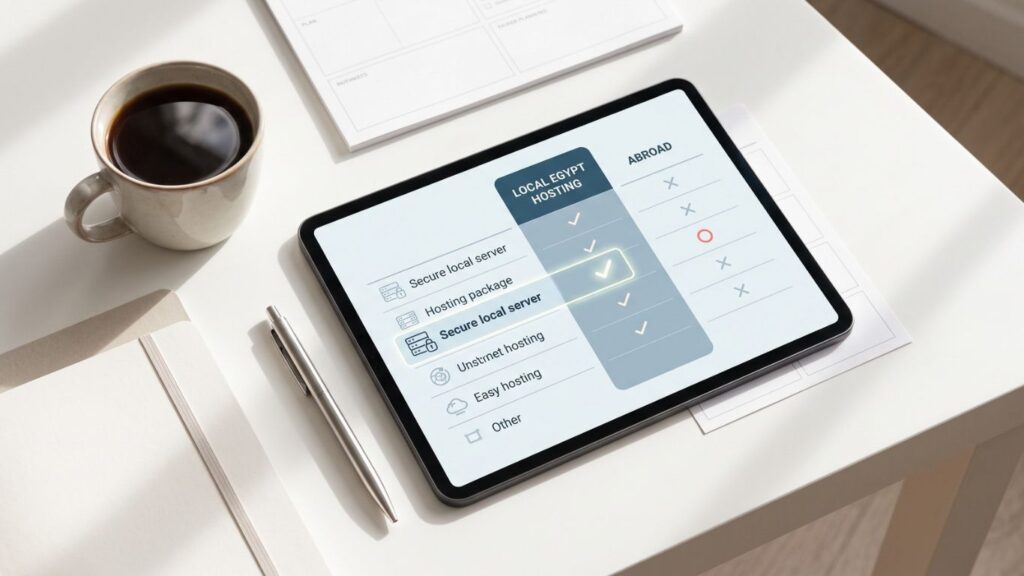
Whichever way you move, the migration is where sites lose rankings and mail. Lower your DNS TTL a few days before cutover. Test the new server through a hosts-file override before changing DNS. Copy the email records, because moving a website while the mail host quietly changes is a classic way to lose enquiries. Keep the old server alive for about a week and keep it read-only. Re-run your measurement script afterwards, compare against the baseline you recorded before the move, and check Search Console for crawl errors in the following days.
Hosting is not a patriotic choice and it is not a price line. It is part of your conversion architecture. If you give us your visitor map, your top five pages and your integration list, we will tell you which pattern fits, test the shortlist from the networks your customers use, and put the result in writing before you pay for a year of anything.